타일 팝: 블록 블래스트
플레이 방법
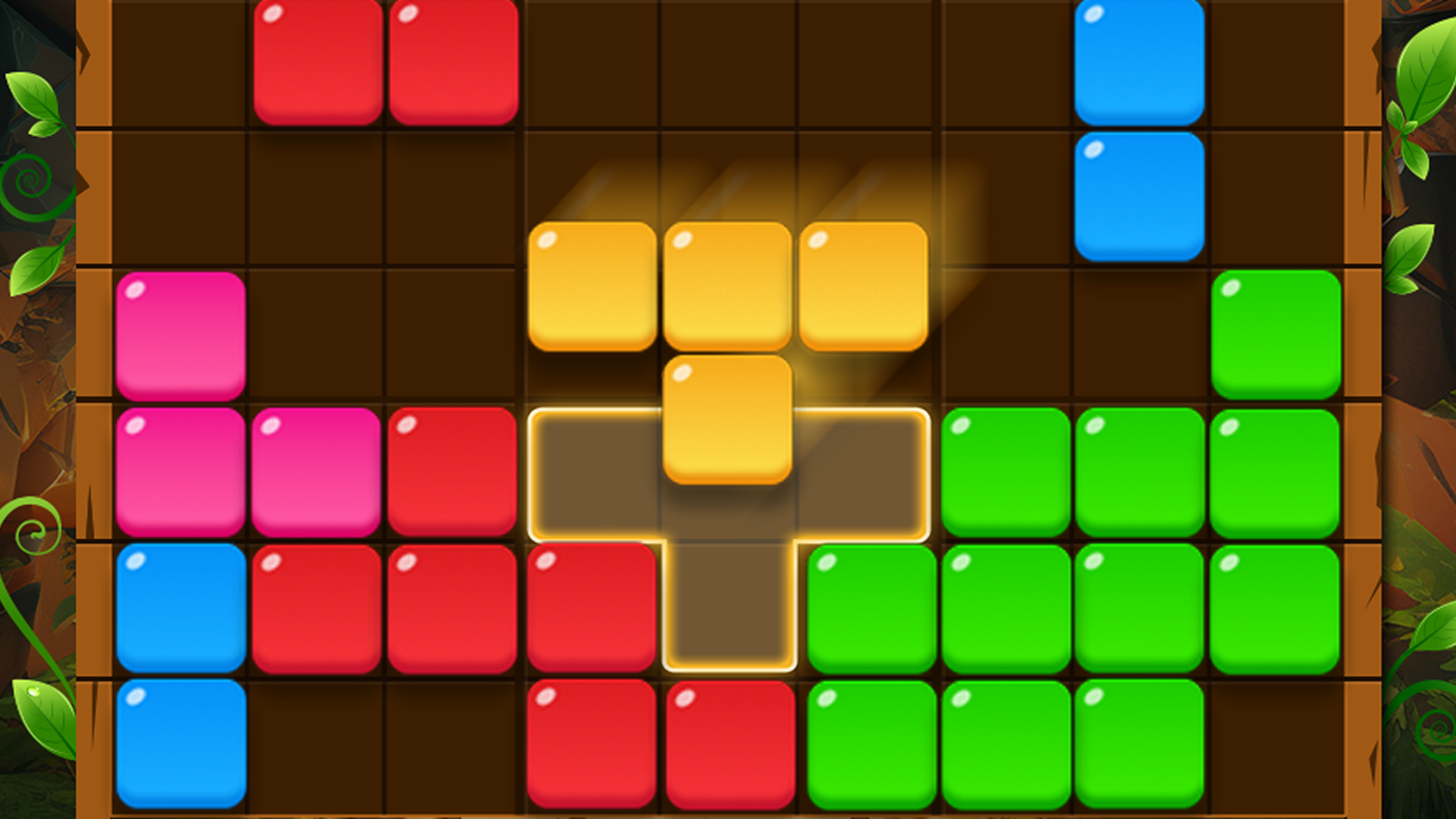
🖥️ 데스크톱(마우스) 선택 & 드래그: 화면 하단의 3개 블록 중 하나를 왼쪽 마우스 버튼으로 클릭하고 누른 채 격자 위로 끌어다 놓으세요. 블록 놓기: 강조 표시된 유효한 격자 칸 위에서 마우스 버튼을 놓으면 블록이 놓입니다. 📱 모바일(터치스크린) 선택 & 드래그: 하단의 블록 모양을 손가락으로 누른 채 격자 위치까지 밀어 옮기세요. 블록 놓기: 블록이 비어 있는 격자 칸에 맞춰지면 손가락을 떼세요.
타일 팝: 블록 블래스트 소개
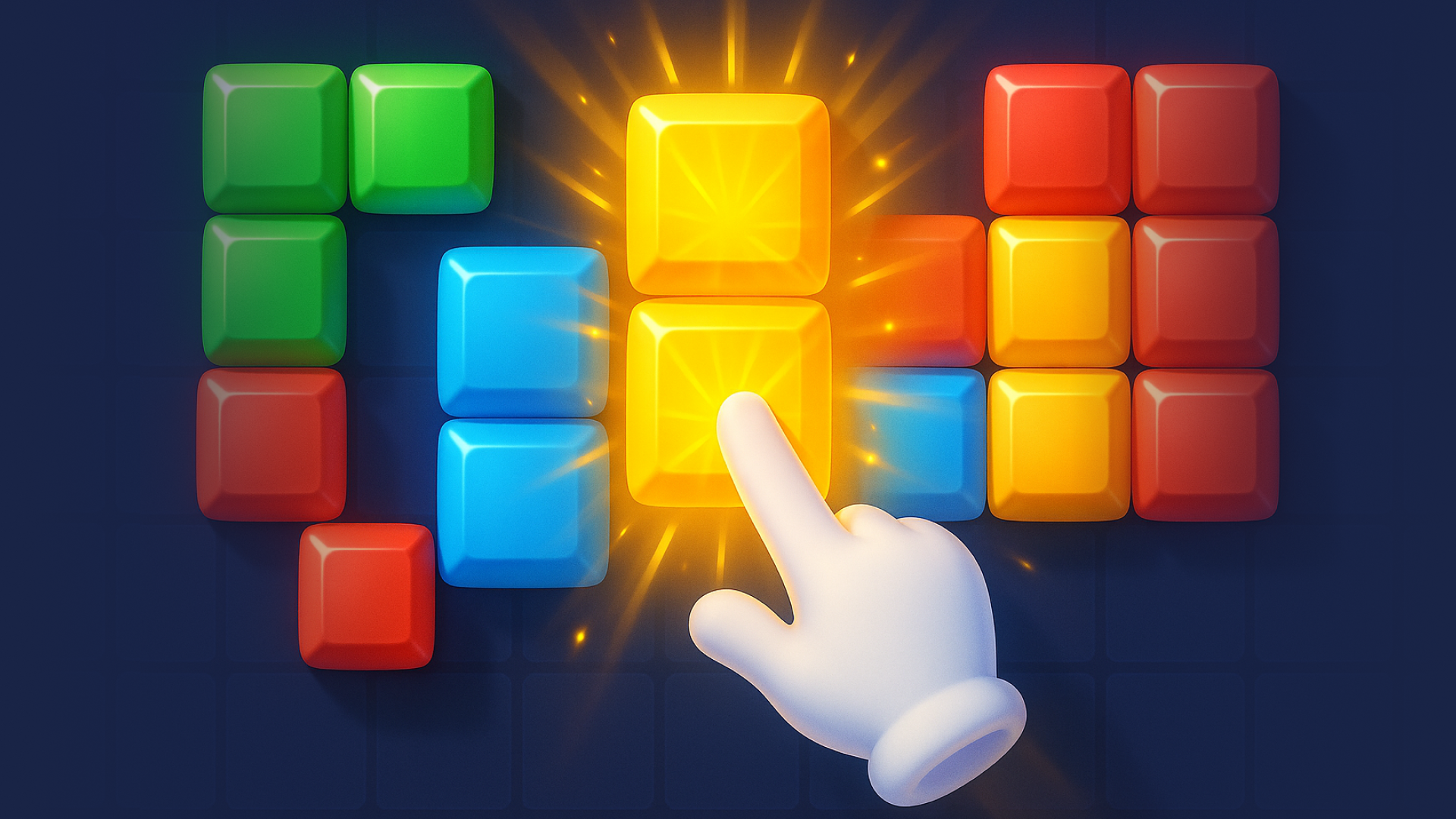
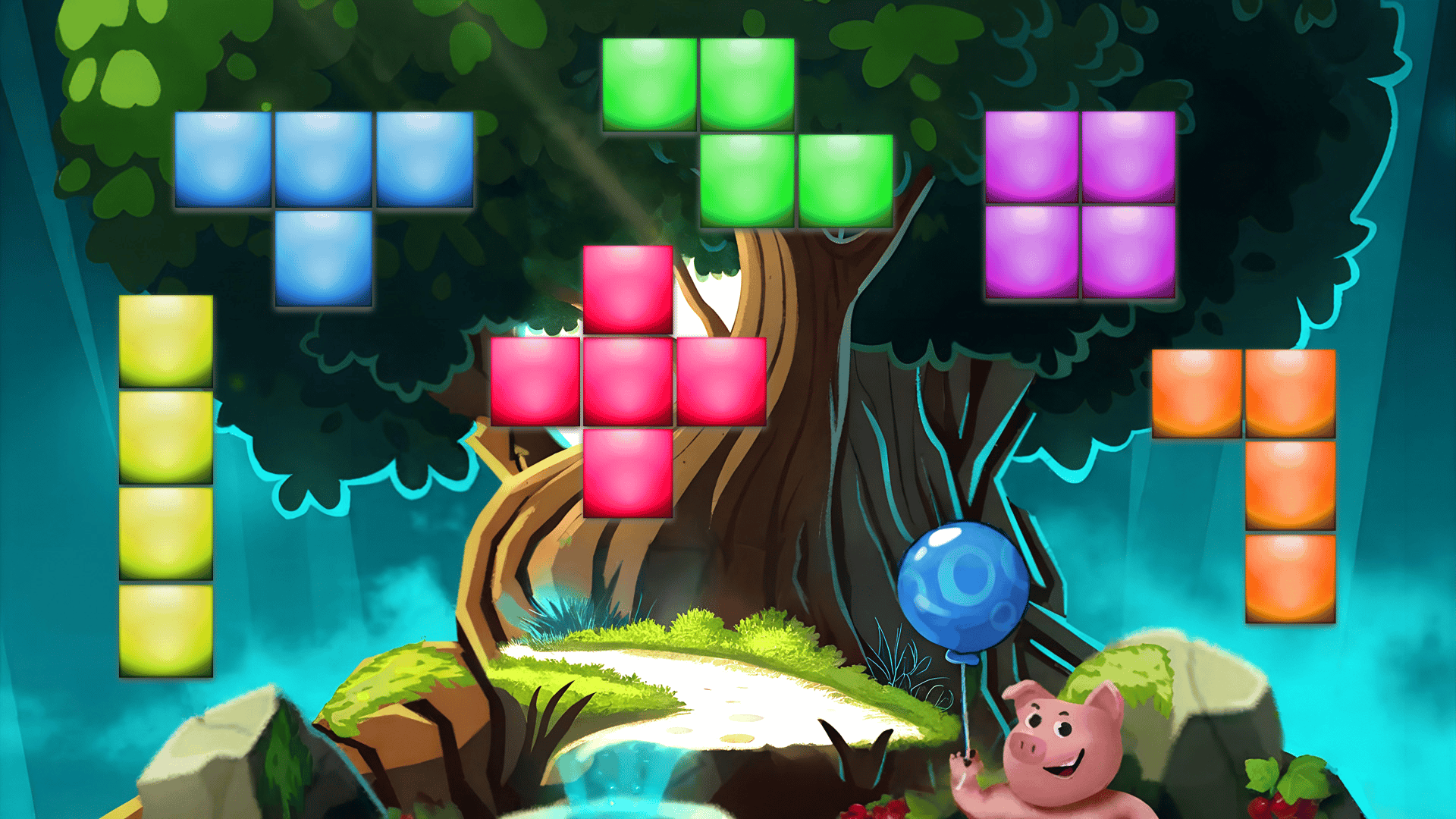
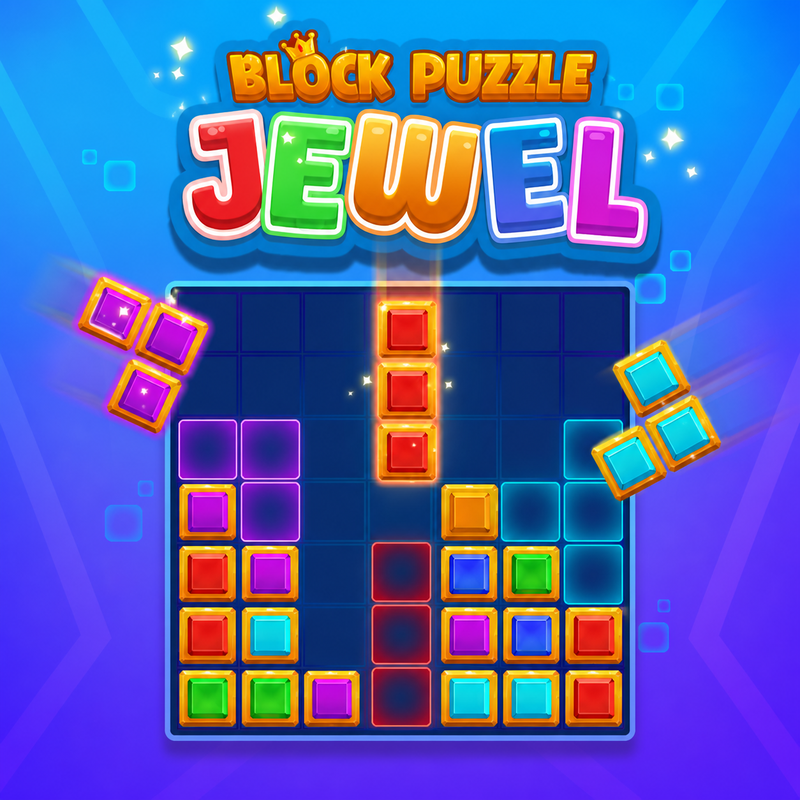
Tile Pop : Block Blast is a block puzzle game where you drag shapes onto a grid and fill complete rows and columns to clear them. Every move matters, so the aim is to plan ahead, build combos and keep the board from filling up while you chase your highest score. There are two ways to play. Classic Mode is endless block puzzle play where you try to beat your personal best. It is easy to learn and difficult to master. Adventure Mode adds random obstacles to the board, including Frozen Ice, Vines, Spider Webs, Stone Blocks, Chains, Slime, Crystals and Corrupted Tiles. Each obstacle has its own mechanics, so you need a different plan for each one, and dynamic challenge events keep every run unpredictable. There are no time limits, so you can play at your own pace. On PC, click and hold the left mouse button on one of the 3 blocks at the bottom of the screen, drag it onto the grid and release over highlighted open cells. On a phone or tablet, touch and hold a block, slide your finger to position it and lift to place it. Tile Pop is free to play in your browser, with no download and no sign-up.
타일 팝: 블록 블래스트 공략 팁
- Look at all 3 blocks at the bottom before you place any, so you can plan where each one will fit.
- Build combos by setting up several nearly complete rows and columns, then clearing them together.
- Keep open space on the grid so awkward shapes still have a place to go.
- In Adventure Mode, work out how each obstacle behaves before you commit to a placement near it.
- Use the highlighted cells as a guide and check that the block lines up before you release or lift your finger.
타일 팝: 블록 블래스트 자주 묻는 질문
Is Tile Pop : Block Blast free to play?
Yes. It is free to play in your browser, with no download and no sign-up.
How do you play Tile Pop on a phone?
Touch and hold one of the blocks at the bottom, slide your finger to position it on the grid, then lift your finger when it lines up over open cells.
How do you play with a mouse?
Click and hold the left mouse button on a block, drag it onto the grid and release over the highlighted cells to drop it.
What is the difference between Classic and Adventure Mode?
Classic Mode is endless block puzzle play focused on beating your best score. Adventure Mode is also endless but adds random obstacles such as ice, vines and slime.
비슷한 게임
- 블록 블라스트 - A plain Block Blast game if you want the core block-clearing idea without Tile Pop's obstacle mode.
- 블록 블라스트 매니아 - Another Block Blast style game to try when you want a different take on placing blocks and clearing lines.
- 블록 블라스트 2048 - Mixes block placement with 2048 style numbers, so it plays differently from Tile Pop.