Tile Pop : Block Blast
Comment jouer
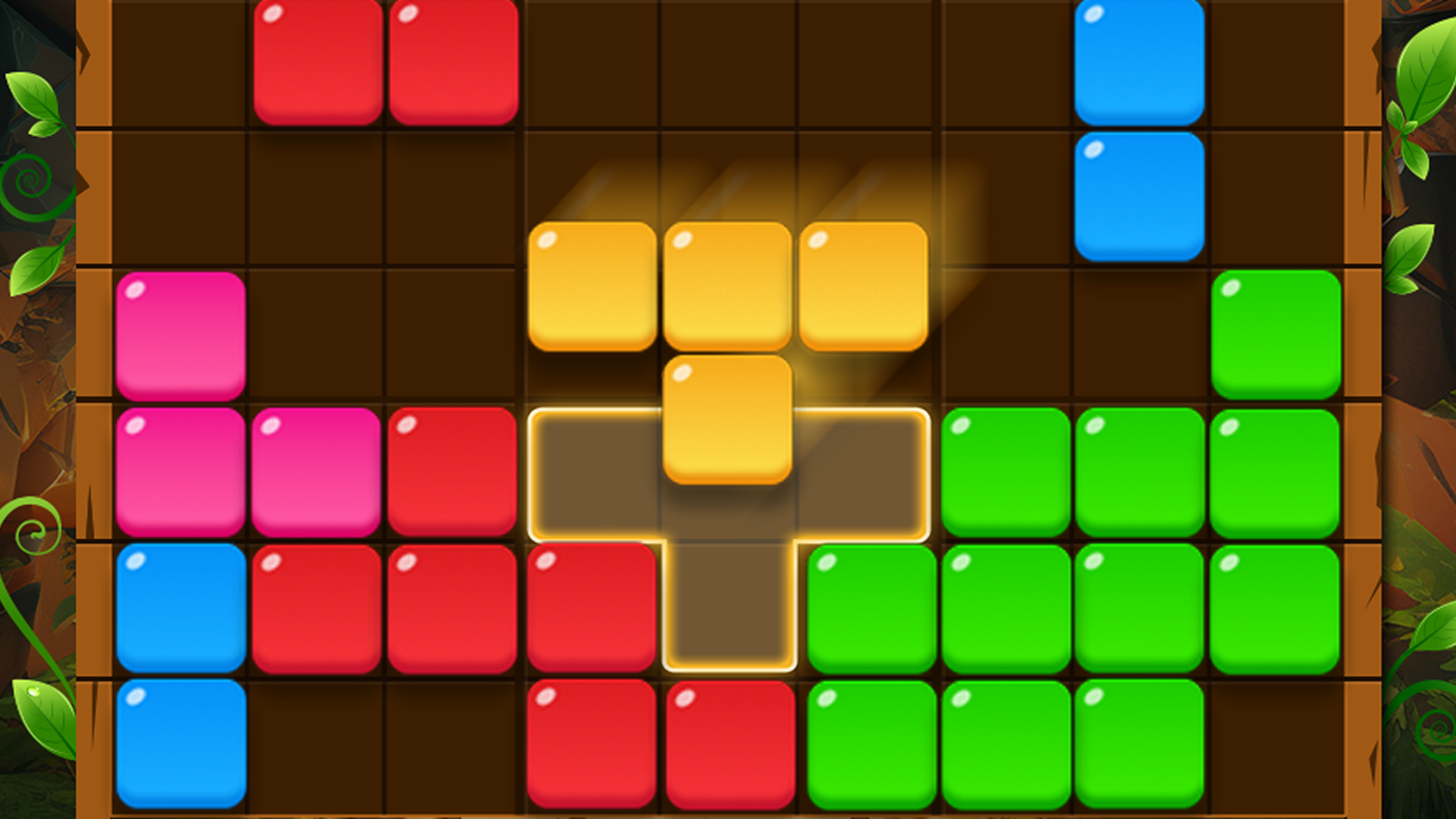
🖥️ Ordinateur (souris) Sélectionner et glisser : cliquez et maintenez le bouton gauche de la souris sur l'un des 3 blocs disponibles en bas de l'écran, puis faites-le glisser sur la grille. Placer un bloc : relâchez le bouton de la souris au-dessus des cases de la grille mises en surbrillance pour déposer le bloc. 📱 Mobile (écran tactile) Sélectionner et glisser : touchez et maintenez votre doigt sur une forme de bloc en bas, puis faites glisser votre doigt pour la positionner sur la grille. Placer un bloc : relevez votre doigt lorsque le bloc est aligné sur des cases libres de la grille.
À propos de Tile Pop : Block Blast
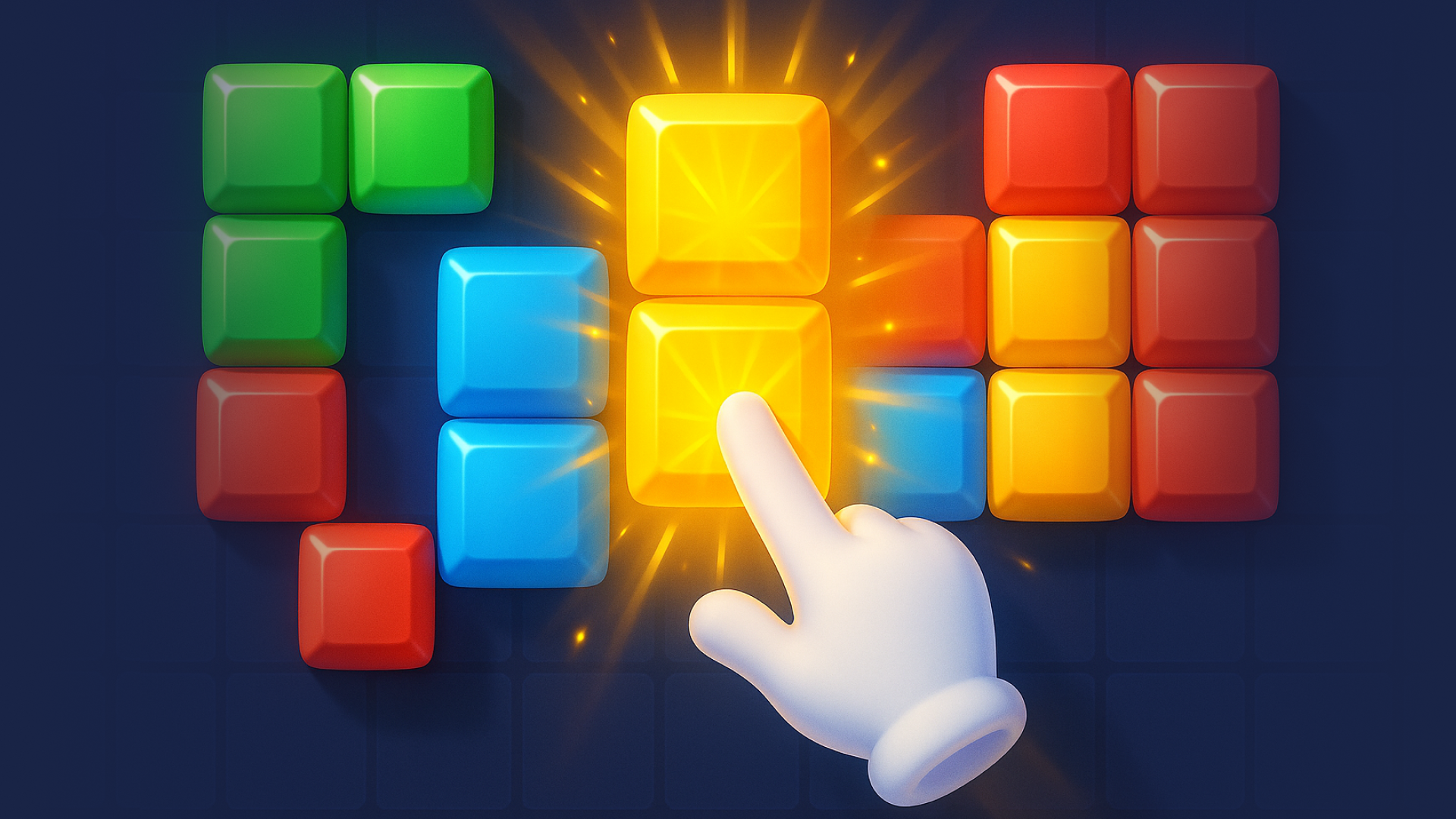
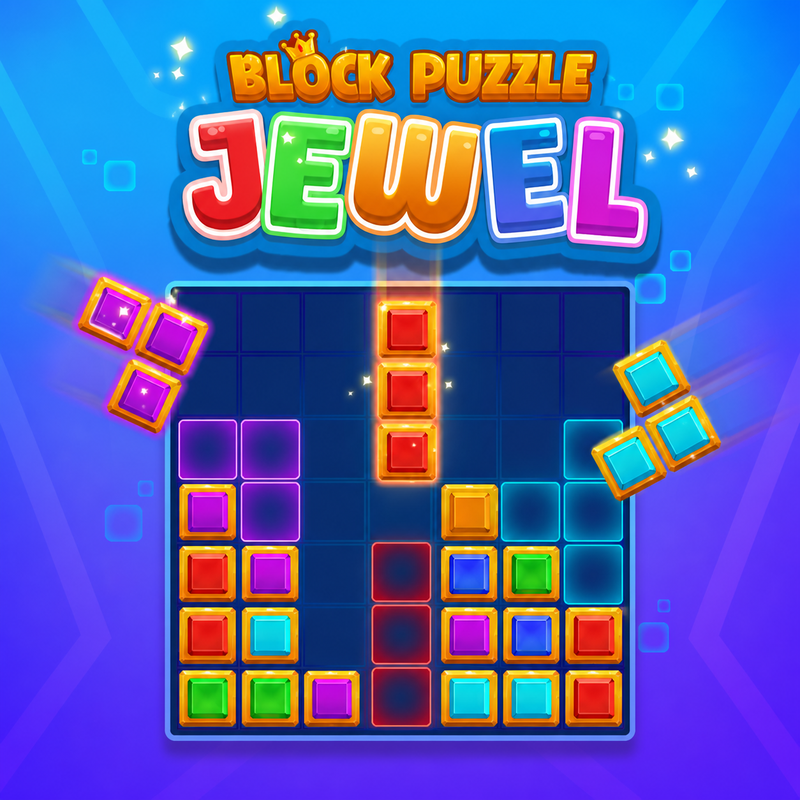
Tile Pop : Block Blast is a block puzzle game where you drag shapes onto a grid and fill complete rows and columns to clear them. Every move matters, so the aim is to plan ahead, build combos and keep the board from filling up while you chase your highest score. There are two ways to play. Classic Mode is endless block puzzle play where you try to beat your personal best. It is easy to learn and difficult to master. Adventure Mode adds random obstacles to the board, including Frozen Ice, Vines, Spider Webs, Stone Blocks, Chains, Slime, Crystals and Corrupted Tiles. Each obstacle has its own mechanics, so you need a different plan for each one, and dynamic challenge events keep every run unpredictable. There are no time limits, so you can play at your own pace. On PC, click and hold the left mouse button on one of the 3 blocks at the bottom of the screen, drag it onto the grid and release over highlighted open cells. On a phone or tablet, touch and hold a block, slide your finger to position it and lift to place it. Tile Pop is free to play in your browser, with no download and no sign-up.
Astuces pour Tile Pop : Block Blast
- Look at all 3 blocks at the bottom before you place any, so you can plan where each one will fit.
- Build combos by setting up several nearly complete rows and columns, then clearing them together.
- Keep open space on the grid so awkward shapes still have a place to go.
- In Adventure Mode, work out how each obstacle behaves before you commit to a placement near it.
- Use the highlighted cells as a guide and check that the block lines up before you release or lift your finger.
FAQ de Tile Pop : Block Blast
Is Tile Pop : Block Blast free to play?
Yes. It is free to play in your browser, with no download and no sign-up.
How do you play Tile Pop on a phone?
Touch and hold one of the blocks at the bottom, slide your finger to position it on the grid, then lift your finger when it lines up over open cells.
How do you play with a mouse?
Click and hold the left mouse button on a block, drag it onto the grid and release over the highlighted cells to drop it.
What is the difference between Classic and Adventure Mode?
Classic Mode is endless block puzzle play focused on beating your best score. Adventure Mode is also endless but adds random obstacles such as ice, vines and slime.
Jeux similaires
- Block Blast - A plain Block Blast game if you want the core block-clearing idea without Tile Pop's obstacle mode.
- Block Blast Mania - Another Block Blast style game to try when you want a different take on placing blocks and clearing lines.
- Block Blast 2048 - Mixes block placement with 2048 style numbers, so it plays differently from Tile Pop.