




The Warlock's Prisoner
How to Play
On a mobile device: - Character rotation - swipe from the right side of the screen; - Character movement - virtual joystick on the left; - Interact with items - tap the icon in the center of the screen; - Menu navigation - tap the buttons. On a desktop: - Character rotation - mouse movement; - Character movement - WASD keys; - Interact with items - E key or left mouse button; - Hint - H key; - Inventory - TAB key.
About The Warlock's Prisoner
The Warlock's Prisoner is a dark horror adventure that mixes survival with puzzle solving. You wake up imprisoned deep inside the lair of a mysterious warlock, surrounded by darkness, traps and an army of zombies. Your goal is to get out alive. To escape, you explore dangerous corridors, search for items, gather clues and solve puzzles, all while fighting off the dead. The game leans on atmosphere, tension and story, and it features a mysterious looking glass that adds to the sense that this lair holds more than it first seems. It is an escape game where careful exploration matters as much as combat. On a desktop, move with the WASD keys and look around with the mouse. Press E or the left mouse button to interact with items, H for a hint and TAB to open your inventory. On a phone or tablet, use the virtual joystick on the left to move, swipe from the right side of the screen to rotate, and tap the icon in the center of the screen to interact. The game is free and plays in your browser on PC, phone and tablet, with no download and no sign-up.
Tips for The Warlock's Prisoner
- Check every corridor and corner for items and clues, since you need them to solve puzzles and escape.
- Open your inventory with TAB on desktop to review what you are carrying before trying a puzzle.
- Press H when you are stuck to get a hint.
- Move carefully in the dark, as traps and zombies wait in the corridors.
- On mobile, swipe from the right side to turn and use the center icon to interact with objects.
The Warlock's Prisoner FAQ
Is The Warlock's Prisoner free to play?
Yes. It is free and runs in your browser with no download and no sign-up.
How do I play The Warlock's Prisoner on PC?
Move with WASD, look with the mouse, interact with E or the left mouse button, press H for a hint and TAB for your inventory.
Can I play it on my phone?
Yes. Use the virtual joystick on the left to move, swipe from the right side of the screen to rotate, and tap the center icon to interact.
What is the goal of the game?
You are a prisoner in a warlock's lair and must explore, find items and clues, solve puzzles and fight zombies to escape.
Similar games
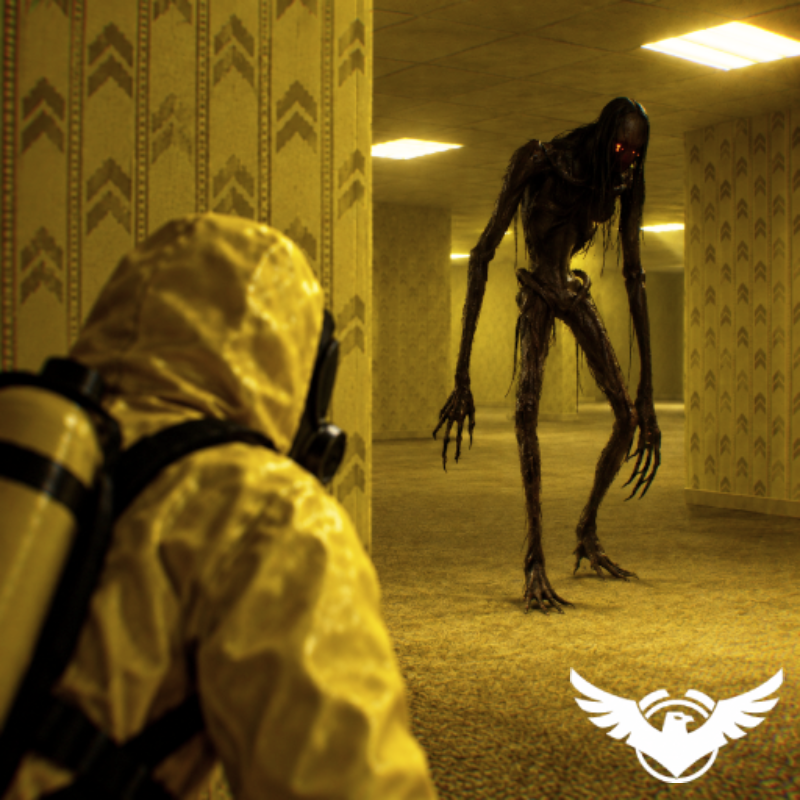
- Backrooms: Exit Protocol 0 - Another tense escape game, set in the Backrooms rather than a warlock's lair.