

Favorite Puzzles
How to Play
On PC: - Use the cursor and left mouse button to grab and move the puzzle element - Use the mouse wheel to zoom in or out and to scroll through the elements feed On mobile devices: - Use your fingers to move elements and scale the screen
About Favorite Puzzles
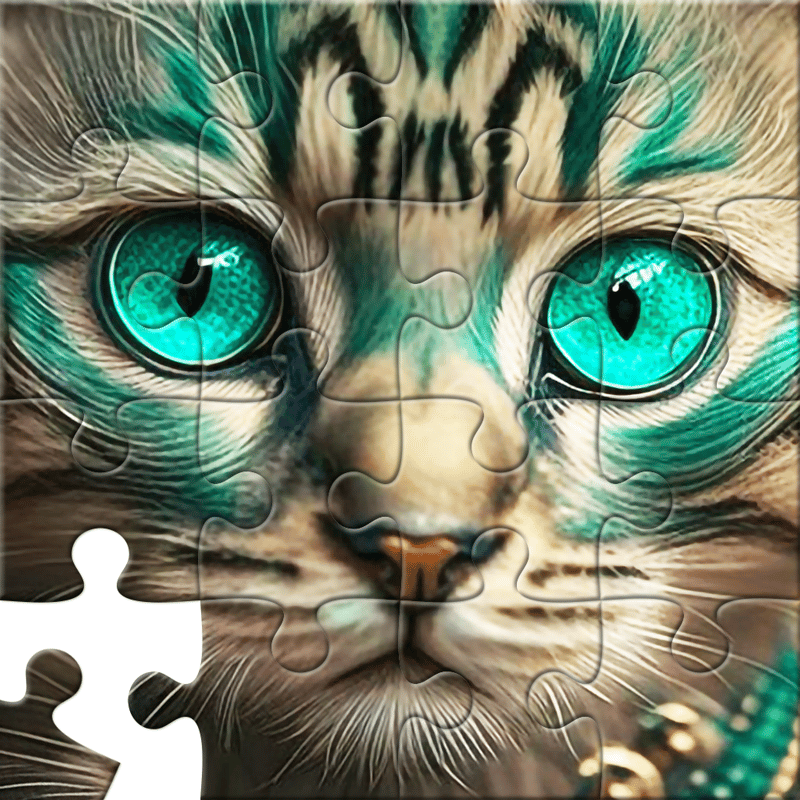
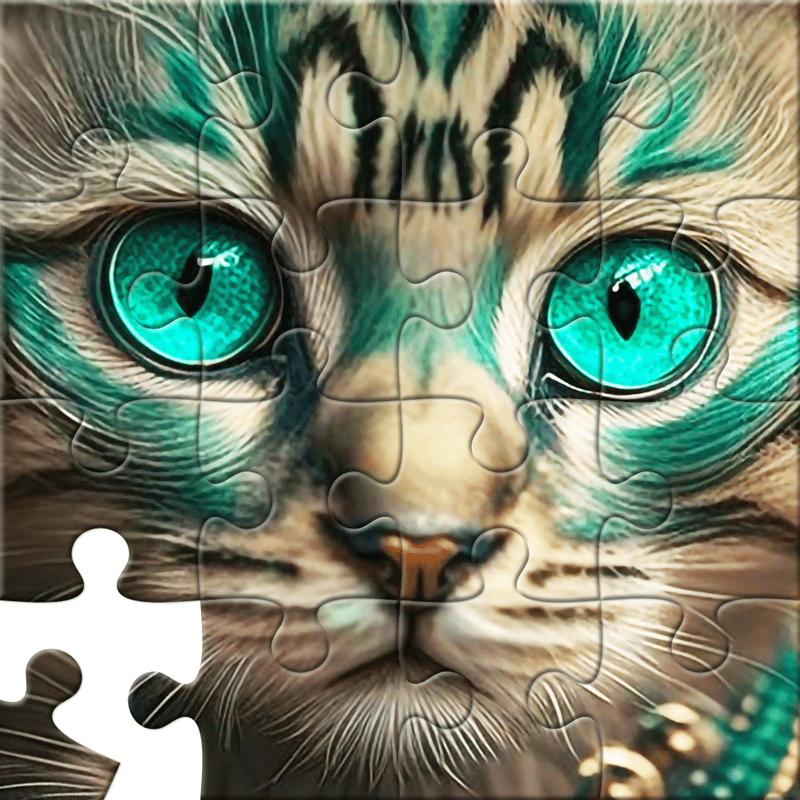
Meet Favorite Puzzles, your new favorite jigsaw puzzles! This addictive puzzle game will delight you with an endless gallery of beautiful images for every taste! Favorite Puzzles will be interesting for kids and adult, in this game you can adjust the difficulty and divide the picture from 6 to 1200 elements! To make jigsaw puzzles even more enjoyable and easier - you can always get a hint, include an example and display the grid! Love complexity? Then turn on the Realistic mode and solve jigsaw puzzles from pieces scattered across the field! And you can also create a puzzle from your own picture or photo! Compete with other players, collect interesting achievements and earn Malachite! Features: - Difficulty from 6 to 1200 elements with and without rotation - 48 image categories and VIP image base search - Create jigsaw puzzles from your photos - Classic and Realistic game modes - Customizable interface and background color - Leaderboard and achievements - Weekly Tournaments