
Obby online with friends: Draw and Jump!
How to Play
😊 Let's get to know the game: 🎮 Game Modes: Single-player mode - practice your controls by completing obstacle courses. Multiplayer mode - compete or team up with other players to progress through the game together. ✏️ Player Tools: Pencil - draw new elements on the level. Eraser - erase previously drawn elements. 🎮 Controls on a Computer: Move your character - press W/A/S/D. Jump - press Space. Draw or erase lines - move the mouse with the left button held down. 📱 Controls on a Smartphone: Move your character - use the virtual joystick. Jump - press the virtual button. Draw or erase lines - swipe your finger across the screen. Tap "Play" and win the game! 🎉
About Obby online with friends: Draw and Jump!
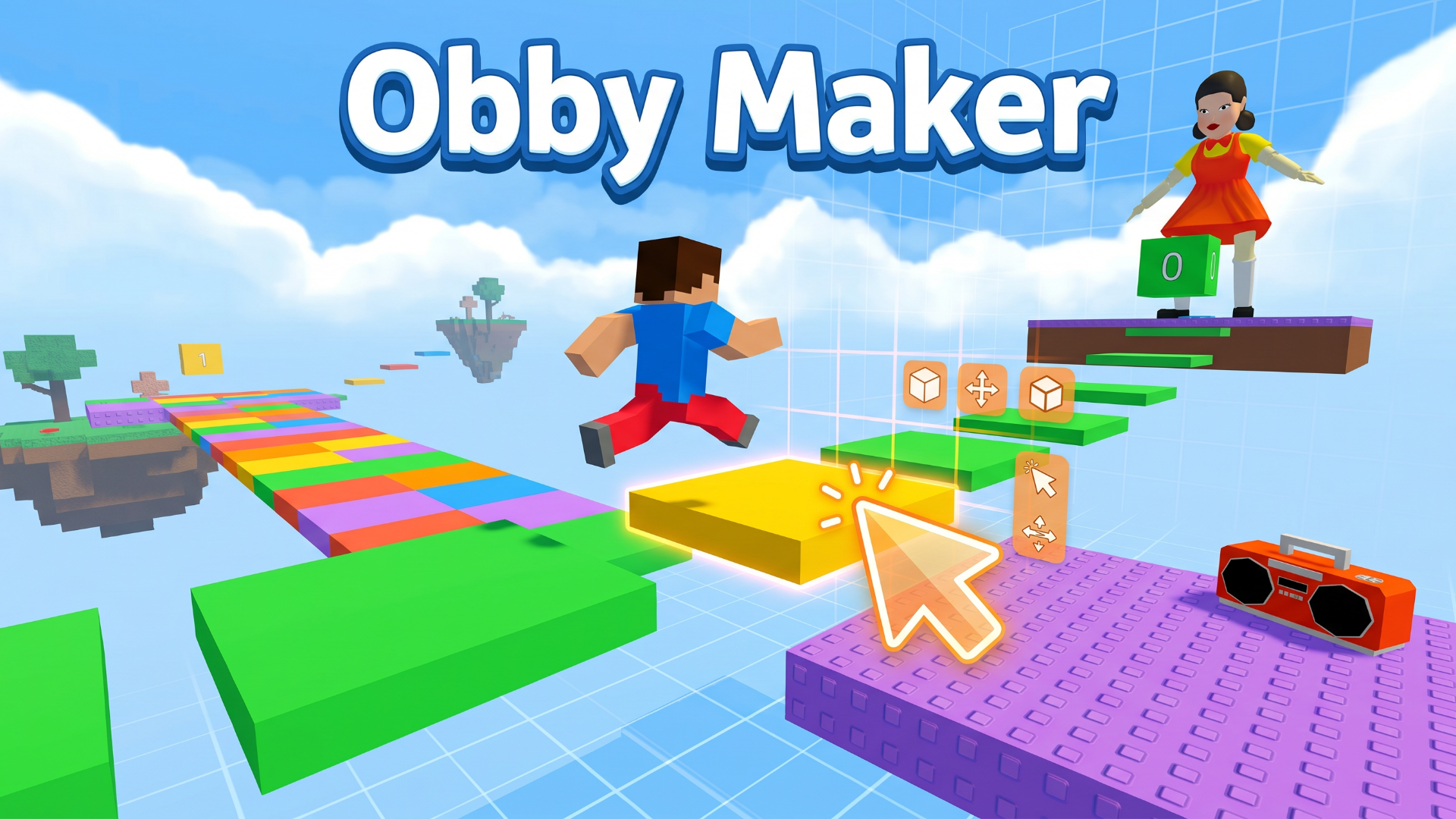
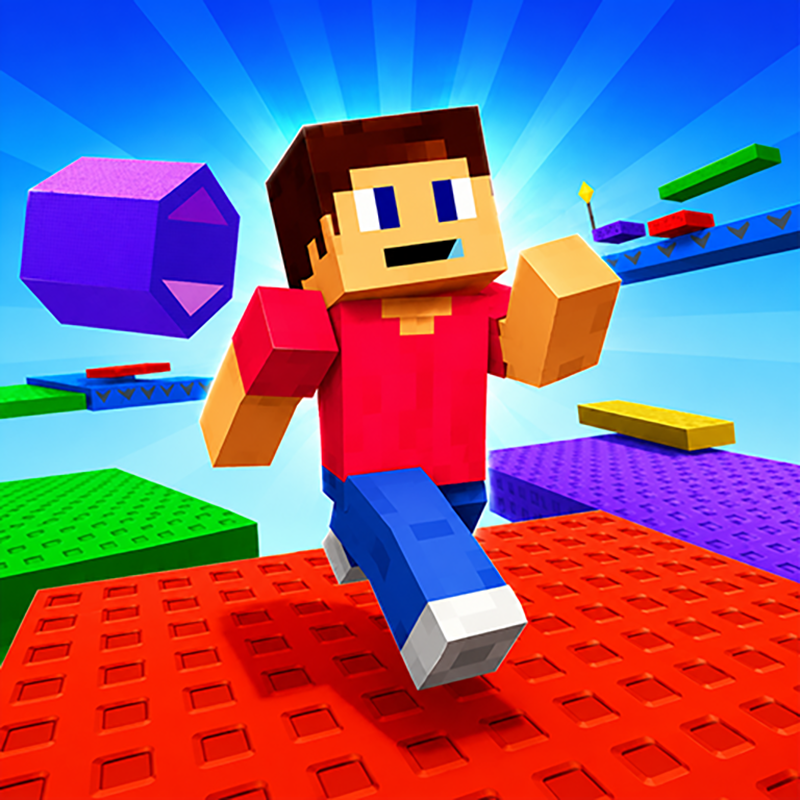
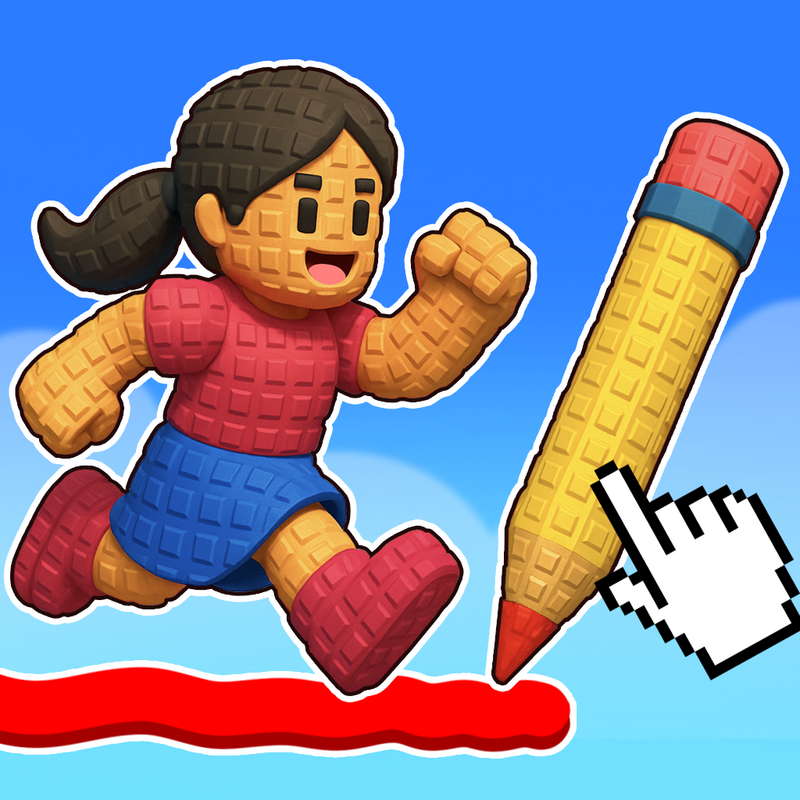
Obby With Friends Online: Draw and Jump is a parkour platformer where you reach the end of each obstacle course by jumping, solving logic puzzles and drawing your own platforms. Traps and tricky gaps stand in the way, and you decide how to get past them. What sets this obby apart is the drawing mechanic. You get a pencil to add new elements to the level and an eraser to remove what you drew earlier. That turns a plain jumping game into a puzzle game where a well-placed line can be the safest route across. You can practice alone in single-player mode, or switch to multiplayer to compete or team up with friends online in real time. There is a text chat, a leaderboard for the title of parkour master, and 4 modes. In-game currency unlocks new modes and skins, hats and jetpacks. On a computer, move with W, A, S and D, jump with Space, and hold the left mouse button while moving the mouse to draw or erase. On a phone or tablet, use the virtual joystick and jump button, and swipe your finger to draw or erase. It is free, runs in your browser and needs no download or sign-up.
Tips for Obby online with friends: Draw and Jump!
- Practice in single-player mode first so the movement and jump timing feel natural before you play with others.
- Use the pencil to bridge gaps, then switch to the eraser to remove lines that get in your way.
- Talk to your partner in the text chat and split up the jumps, drawing and puzzle solving.
- Save your in-game currency for new modes or skins once you know which mode you enjoy most.
- On mobile, swipe slowly when drawing so your line lands where you intend.
Obby online with friends: Draw and Jump! FAQ
Is Obby online with friends free to play?
Yes. It is free, plays in your browser on PC, phone and tablet, and needs no download or sign-up.
Can I play with friends?
Yes. Multiplayer mode lets you compete or team up with friends online in real time, and there is a text chat.
How do I draw platforms?
On a computer, hold the left mouse button and move the mouse. On a phone, swipe your finger across the screen. Use the eraser tool to remove lines.
How do I play on mobile?
Use the virtual joystick to move and the virtual button to jump. Swipe to draw or erase.
Similar games
- Flag Learn - A calmer learning game about flags, with no jumping or drawing.